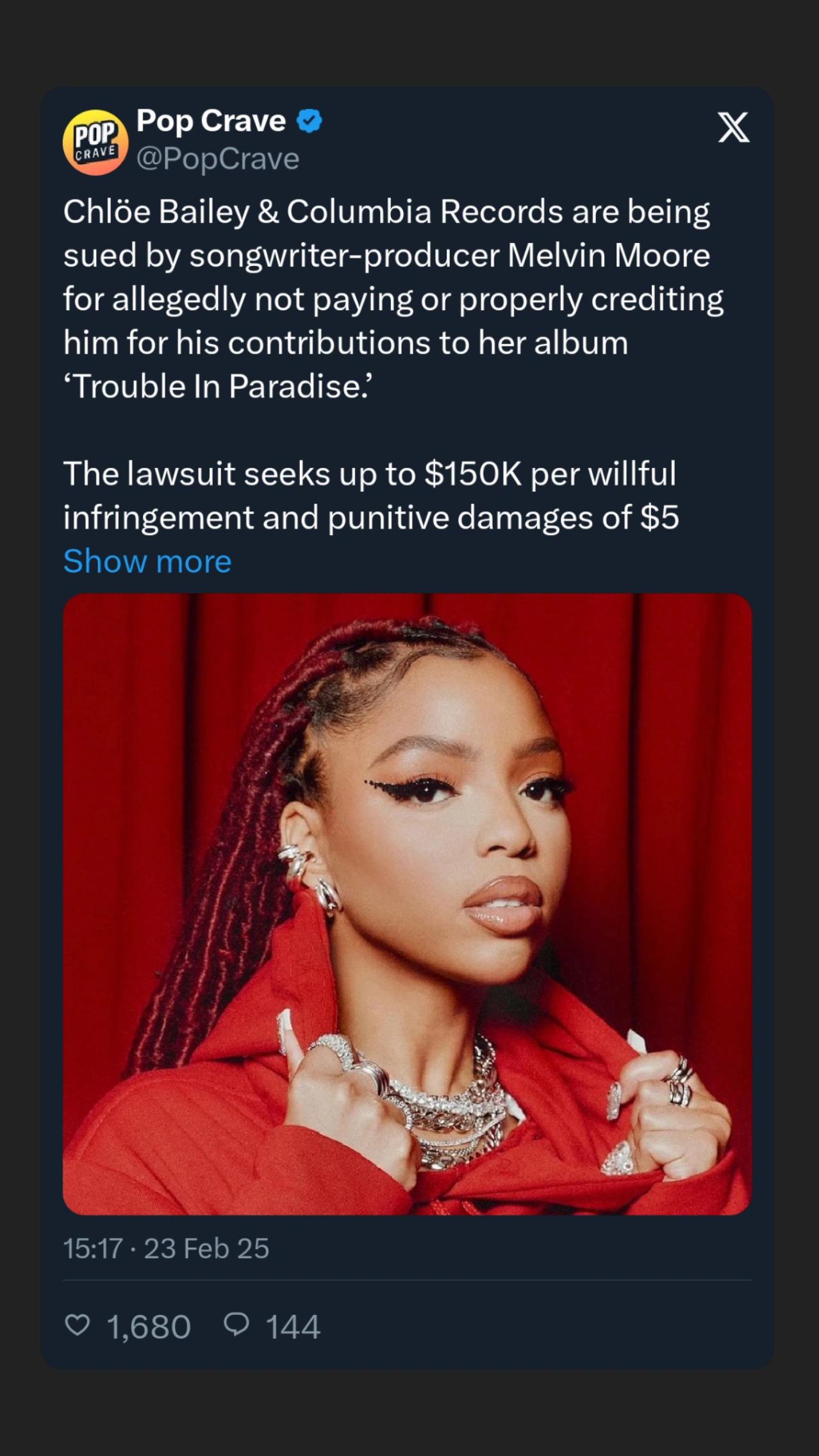
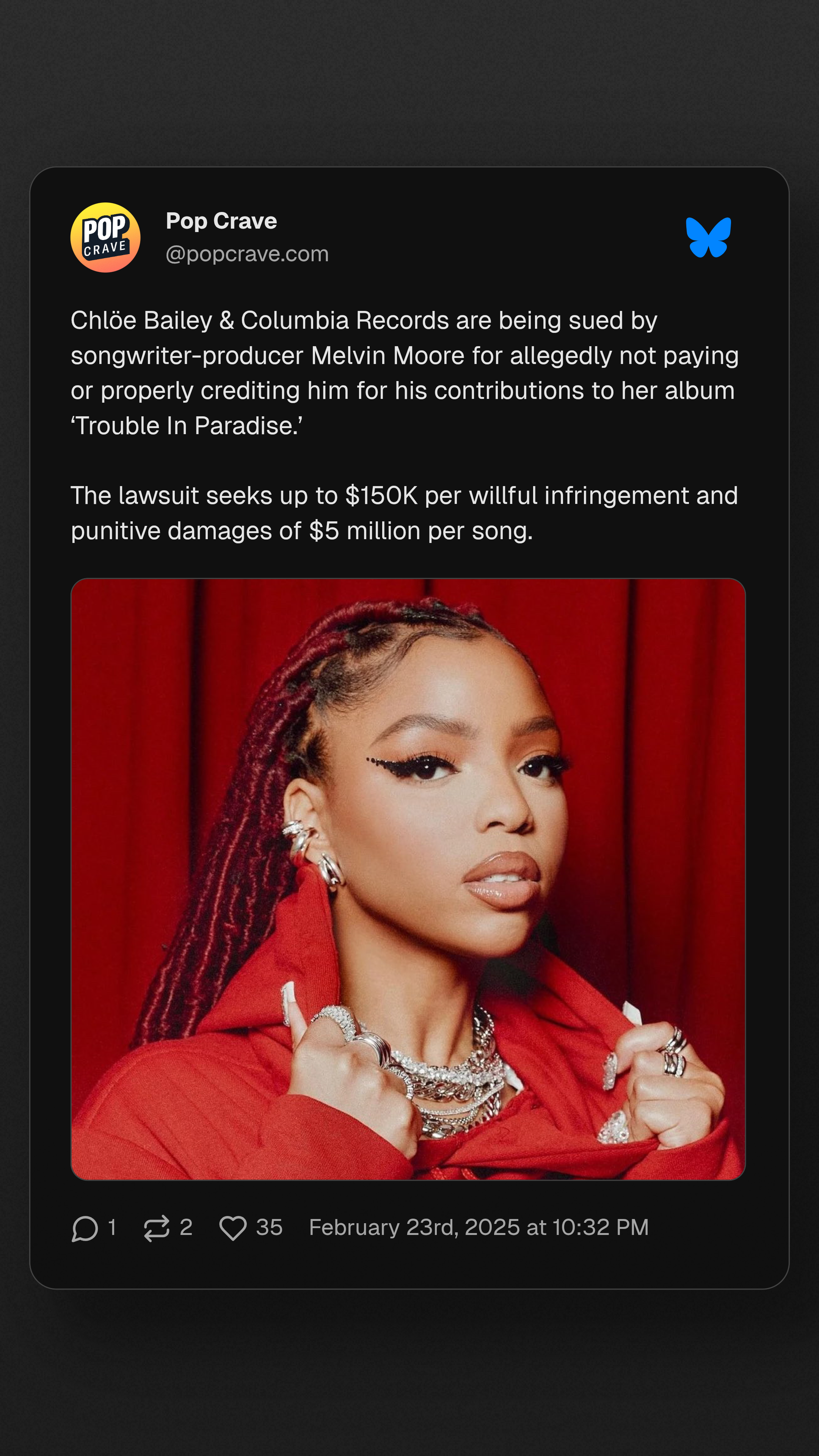
I usually try to use PostSpark to take a Bluesky post to upload it to Instagram Stories (9:16) in a stylised form. On X (twitter) when exporting to IG Stories from the phone, an image was created, it looked like a stylised screen capture of the X post (tweet). This didn’t have any controls but worked if the text of the tweet was not too long (see example below).
With PostSpark and BlueSky posts, I cannot make a post that has the correct width and text size, I feel that the text layout is not taking full advantage of the space, mostly resulting in a post that is too “landscapey” and has small text and lots of vertical free space. For me, it needs to have a taller form with bigger text and shorter lines. I’m attaching two images for practically the same post, one from Twitter>IG Story and one from BlueSky > PostSpark.
There has to be a way to make a post with an easily readable text (considering how people use Instagram nowadays, this makes a big difference).
I even tried playing with the post’s settings (S/M/L) but weirdly the L makes the text even smaller (!).
Maybe there’s a setting that I’m not finding to solve this, please tell me if I’m missing something :)
Thanks and great work!
Rodrigo.